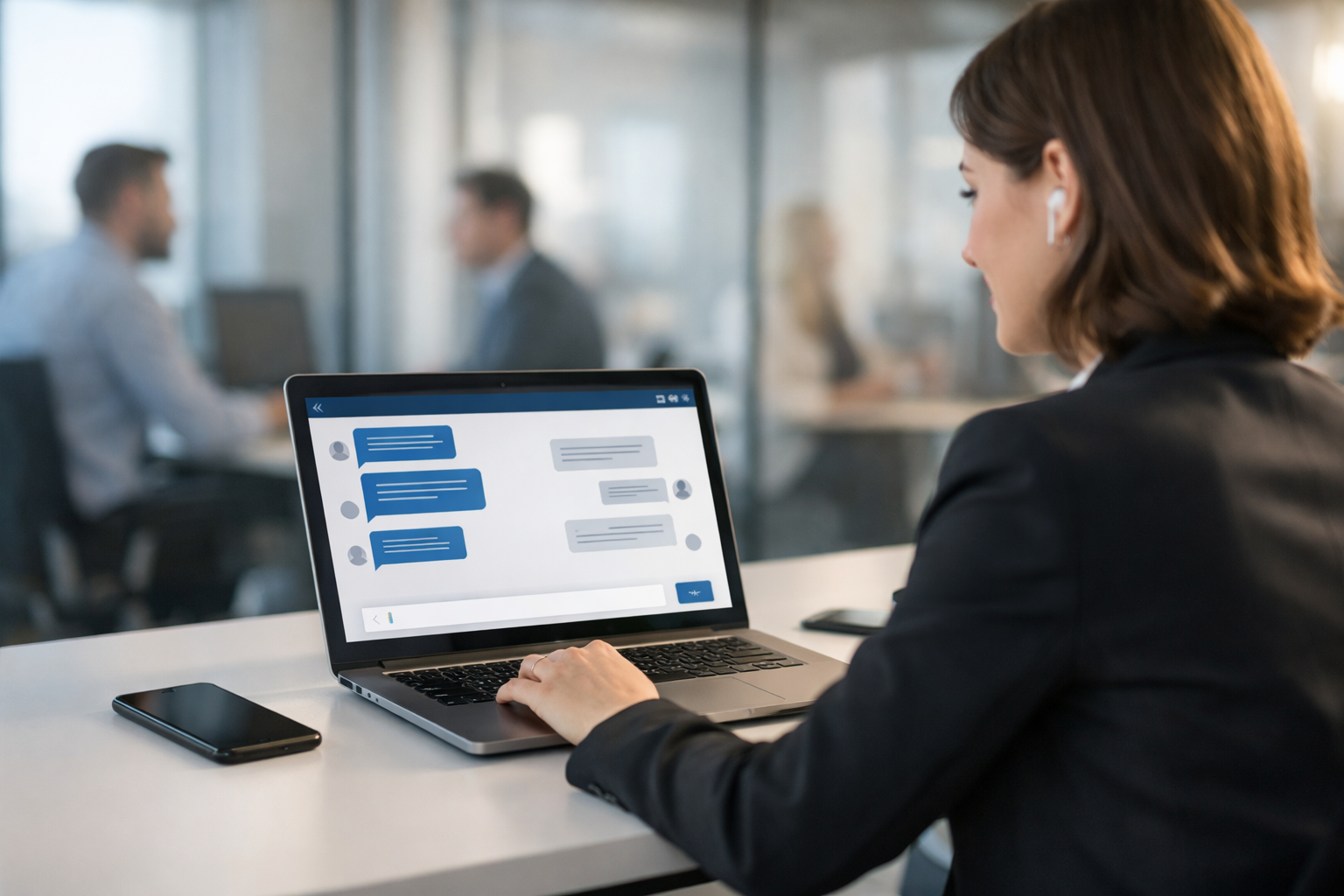
Live chat increases conversion because it answers doubts at the exact moment they would otherwise become an exit. When your visitors can ask a question, get a confident answer, and take the next step without leaving the page, you reduce friction, build trust, and turn “maybe later” into “let’s do it now.”
Why live chat increases website conversion rate (the real reasons)
Conversion rate is mostly a friction problem. People abandon pages when they can’t quickly resolve uncertainty—pricing, setup effort, fit, timelines, policies, or whether your product works for their specific use case. Live chat helps because it compresses the time between question and answer from minutes (email) or hours (call-back) into seconds.
- It reduces decision anxiety: A quick confirmation (“Yes, that integration is included”) can be the difference between buying and bouncing.
- It creates a guided path: Instead of guessing which page to read next, visitors get directed to the right plan, case study, or checkout step.
- It captures leads while intent is high: You can collect email/phone and context before the visitor disappears.
- It builds trust in real time: Especially for high-ticket services, speaking with a human (text, voice, or video) can validate credibility instantly.
Where live chat has the biggest conversion impact
Live chat can help on most pages, but conversion lift is typically strongest on high-intent pages where visitors are close to acting.
- Pricing pages: Plan comparisons, contract terms, hidden fees, and “which plan is right?” questions.
- Checkout / inquiry forms: Form abandonment often comes from small blockers—required fields, unclear timelines, or uncertainty about next steps.
- Service pages: Scope, deliverables, process, and whether you’re a fit for their industry.
- Product detail pages: Features, compatibility, and implementation concerns.
- High-traffic blog posts: A chat prompt can convert informational traffic into consultations or trial sign-ups.
Live chat vs. chatbot vs. hybrid: what converts best?
There’s a reason the best-performing setups are hybrid. A basic chatbot can handle FAQs and routing, but conversion tends to spike when the experience can smoothly escalate to a real person—especially for nuanced buying questions.
Chatbot-only
- Pros: 24/7 coverage, instant replies, consistent answers.
- Cons: Can miss nuance; visitors may distrust automated replies for complex decisions.
Human-only
- Pros: Highest trust, best for complex sales.
- Cons: Hard to staff 24/7; slower response outside business hours; higher cost.
Hybrid (AI + human)
- Pros: Fast answers always, with human escalation when it matters; strong lead capture; better customer experience.
- Cons: Requires a structured setup (training, routing rules, and handoff quality).
Biz AI Last is built for hybrid conversion performance: a 24/7 AI chatbot trained on your website content, plus live human agents for text, audio, and video chat—through a single embeddable gadget. Explore our AI and human support services to see how the handoff works.
7 practical ways to use live chat to increase conversions
1) Trigger chat at decision points, not instantly
A chat widget that pops up immediately can feel intrusive. A smarter approach is behavior-based triggers:
- Time on page (e.g., 30–60 seconds on pricing)
- Exit intent (cursor moves toward browser controls)
- Scroll depth (e.g., 70% down a service page)
- Repeated visits to the same page
These triggers catch visitors when they’re evaluating, not just browsing.
2) Use conversion-focused opening prompts (not “How can I help?”)
Generic greetings get generic results. Use prompts that narrow the problem and invite a next step:
- “Want help choosing the right plan? Tell me your team size.”
- “Looking for a quote? Share your goal and timeline.”
- “Need to confirm if we support your use case? Ask here.”
3) Answer with proof, not just claims
Live chat converts best when it includes validation. Train agents (and AI) to reference concrete proof points: policies, turnaround times, integrations, guarantees, case studies, and process steps. Instead of “Yes, we can do that,” try: “Yes—this is included in the Pro plan. Typical setup is 2–3 days, and we’ll guide you through step-by-step.”
4) Capture leads early—with context
If a visitor is asking buying questions, don’t wait until the end to collect details. Ask for minimal info at the right time:
- Name + email after the first helpful answer
- Company + website when discussing fit or implementation
- Phone number only when a call or demo is clearly valuable
The goal is to reduce form friction while preserving sales context (pain point, timeline, budget range, and decision role).
5) Offer escalation paths: text → voice → video
Some conversions require a richer conversation. When stakes are higher, switching to voice or video can accelerate trust and shorten the sales cycle. A single widget that supports text, audio, and video removes the “let’s schedule a call” delay and keeps the visitor engaged.
6) Use AI to handle FAQs and let humans close
A dedicated AI trained on your site can instantly answer repeat questions: pricing basics, features, policies, and setup steps. Then, when the visitor shows purchase intent (“Can you tailor this to my business?”), a human agent can step in to qualify and close.
This is especially powerful after-hours: you don’t lose leads at 11 PM—you capture them, answer them, and hand off cleanly for follow-up.
7) Follow up fast (and correctly)
Live chat doesn’t end when the visitor leaves. The conversion lift comes from what you do next:
- Send a recap email with links to the exact resources discussed
- Route hot leads to sales immediately
- Tag conversations by intent (support, pricing, demo, implementation)
- Set a follow-up SLA (e.g., under 15 minutes during business hours)
KPIs to measure how live chat increases website conversion rate
If you want predictable improvement, track the metrics that show where chat is helping (or hurting).
- Chat engagement rate: % of visitors who start a chat.
- First response time: Seconds to first reply (AI and human separately).
- Lead capture rate: Chats that result in a qualified lead.
- Chat-to-conversion rate: % of chatters who purchase, book, or submit a form.
- Assisted conversion rate: Conversions that occurred after a chat interaction.
- Customer satisfaction (CSAT): Quick post-chat rating.
- Top intents/questions: What people ask most—this informs CRO and content updates.
When these numbers improve together (fast response + high-quality answers + strong follow-up), conversion rate tends to rise naturally.
Common mistakes that reduce conversions (and how to fix them)
- Slow replies: If you can’t staff 24/7, use AI for instant responses and route to humans when needed.
- Over-automating sales conversations: Use automation for FAQs, but escalate when the visitor asks nuanced questions.
- No clear CTA: Every sales chat should end with a next step: checkout link, quote, demo booking, or a scheduled follow-up.
- Inconsistent answers: Train AI on your real site content and keep a single source of truth for policies and pricing.
- Not integrating lead capture: If chats aren’t turning into CRM-ready leads, you’re losing revenue.
How Biz AI Last helps you convert visitors 24/7
Biz AI Last combines what conversion-focused businesses need most: always-on speed plus human-level persuasion when it counts. You get a 24/7 AI chatbot trained on your website, backed by live human agents for text, audio, and video chat—delivered through one embeddable gadget. That means fewer abandoned visits, more qualified leads, and better customer support without forcing your team to cover every hour.
- AI trained on your site: accurate answers based on your actual pages and offerings.
- Human escalation: real agents step in for complex questions and high-intent leads.
- Multi-channel in one widget: text, voice, and video—no extra tools to manage.
- Cost-effective: lead capture and customer support starting at $300/month.
If you want to see how this could work on your site, book a free demo. To estimate the right plan, view our pricing and choose the coverage that matches your traffic and lead goals.
Next steps: a simple rollout plan
To maximize conversion impact, start small and iterate quickly:
- Week 1: Add live chat to pricing + contact pages, set triggers, and define 3–5 opening prompts.
- Week 2: Train AI on your website content and build escalation rules to human agents.
- Week 3: Review chat transcripts, identify friction points, and update pages and scripts.
- Week 4: Expand to additional high-intent pages and standardize follow-up workflows.
Live chat isn’t just a support channel—it’s a conversion engine when it’s fast, accurate, and designed around buyer intent.