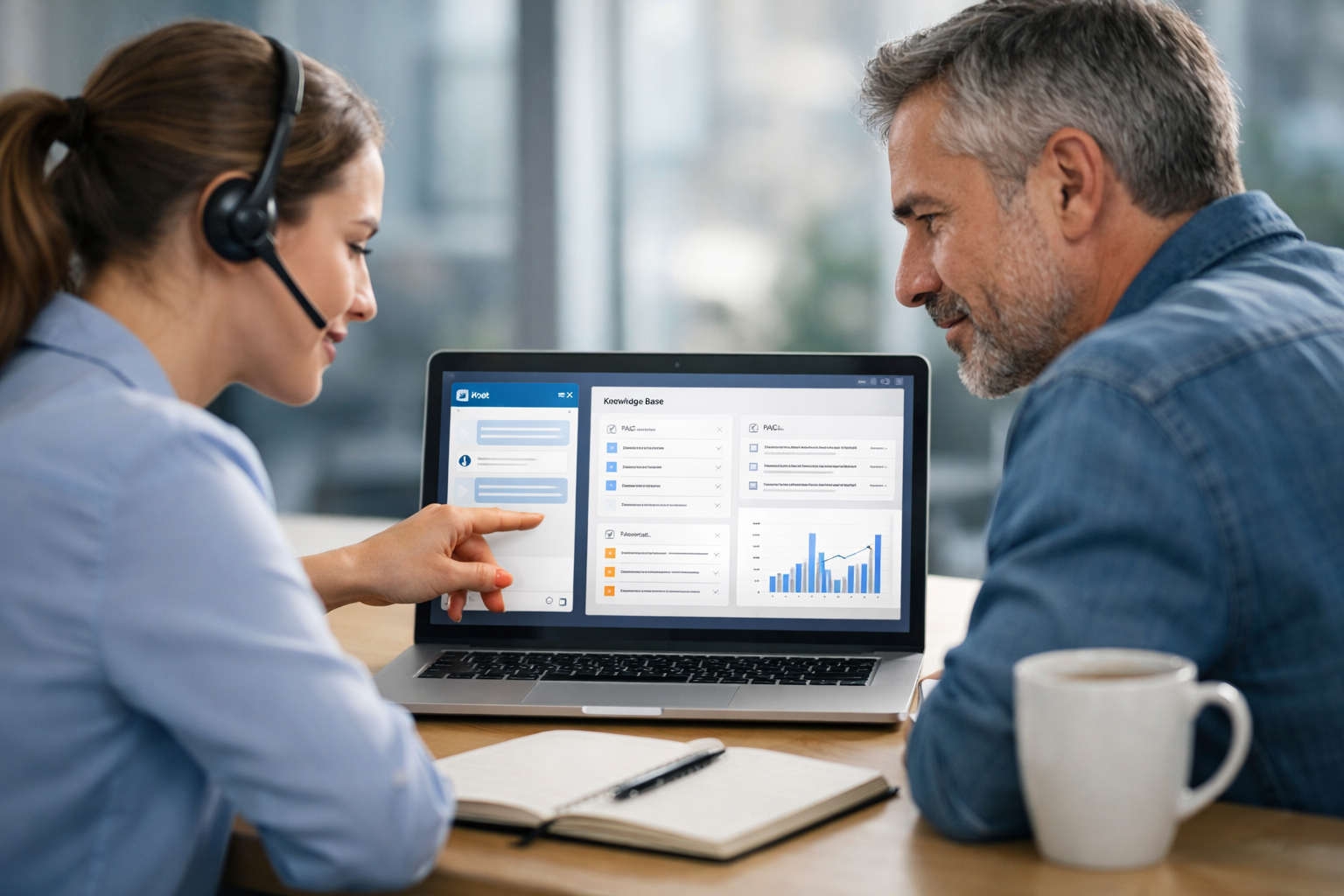
Training an AI chatbot on your own knowledge base is the fastest way to turn your existing documentation—FAQs, policies, product pages, and help articles—into instant, consistent customer answers. The difference between a “generic” bot and one customers actually trust comes down to how you prepare content, how you connect it to the model, and how you test it in real conversations.
What it means to “train” an AI chatbot on your knowledge base
People often use “train” to mean two different things:
- Knowledge grounding (recommended): The bot answers using your content by retrieving relevant passages from your knowledge base at runtime (often called retrieval-augmented generation, or RAG). This keeps answers aligned with your latest policies and reduces hallucinations.
- Model fine-tuning (less common for support KBs): You update the model’s weights using examples. This can help with tone, formatting, or niche terminology, but it’s harder to update and can inadvertently bake in outdated information.
For most businesses, the most practical and reliable approach is RAG + strong guardrails: your bot searches your content, cites or references it internally, and answers only when confidence is high enough—otherwise it hands off to a human agent.
Step 1: Audit and clean your knowledge base (quality in = quality out)
Before you connect anything to an AI chatbot, do a quick content audit. This step alone can dramatically improve answer accuracy.
What to include
- Public website pages: product/service pages, pricing explanations, shipping/returns, onboarding steps
- Help center articles and FAQs
- Policy pages: privacy, refunds, cancellations, warranties
- Structured internal docs (if appropriate): SOPs, troubleshooting flows, scripts
What to fix first
- Conflicts: Two pages that give different answers (e.g., return window is 14 days on one page and 30 on another).
- Ambiguity: “Usually,” “sometimes,” “depends” without stating the rule.
- Outdated info: Old pricing, retired features, previous policy versions.
- Missing context: The bot needs specifics like eligibility criteria, timeframes, regions, and step-by-step instructions.
Tip: Add a “Last updated” field in your KB templates. It helps both customers and your future AI refresh cycles.
Step 2: Choose your training approach (RAG, fine-tune, or hybrid)
Here’s a practical decision guide:
- Choose RAG if your content changes (most businesses), you need fast updates, and you want traceability back to your sources.
- Consider fine-tuning if you have a stable domain, lots of high-quality chat transcripts, and strict formatting needs (e.g., standardized troubleshooting steps).
- Go hybrid when you want RAG for facts + a small fine-tune (or prompt layer) for brand voice and consistent interaction patterns.
Biz AI Last focuses on a website-trained AI approach designed for support and lead capture, with human agents available to step in whenever needed. You can explore our AI and human support services to see how the hybrid model works in practice.
Step 3: Prepare your knowledge base for retrieval (chunking, structure, and metadata)
RAG systems perform best when information is easy to retrieve. That means organizing content so the right snippet is found quickly.
Best practices for “AI-ready” content
- Chunk content into focused sections (roughly one topic per chunk). For example: “Refund eligibility” separate from “How to request a refund.”
- Use clear headings and lists so the bot can extract steps cleanly.
- Add metadata like product name, region/country, plan tier, and effective date.
- Prefer explicit rules (“Refunds are available within 30 days for unused items”) over vague phrasing.
If you serve multiple audiences (e.g., B2B vs B2C, US vs EU), metadata matters. It helps the bot deliver the right answer to the right customer.
Step 4: Connect sources (website crawl, helpdesk export, or document sync)
Most businesses build their chatbot knowledge base from a combination of:
- Website content: A controlled crawl of approved pages
- Help center: Export from platforms like Zendesk, Intercom, Freshdesk, or a custom CMS
- Documents: PDFs, SOPs, and internal guides (only if you want them used and they’re safe to share)
Keep a simple rule: only ingest content you’re comfortable having the bot quote or summarize to customers. For anything sensitive, use role-based access and ensure it’s excluded from customer-facing retrieval.
Step 5: Add guardrails (the most overlooked part)
Guardrails define what the bot should and should not do. A well-trained bot isn’t just knowledgeable—it’s predictable and safe.
High-impact guardrails
- Confidence thresholds: If the bot can’t find relevant sources, it should say so and offer a handoff.
- Restricted topics: Medical/legal/financial advice, account-specific actions, or anything that requires verification.
- Escalation triggers: Angry sentiment, repeated “not helpful,” billing disputes, cancellation requests, or complex troubleshooting.
- Answer style rules: Short first response, then steps; ask clarifying questions when needed; avoid guessing.
This is where a hybrid approach shines: the AI handles common questions instantly, and a human agent can step in via text, voice, or video for edge cases and high-value leads.
Step 6: Test with real questions (and measure accuracy)
Don’t launch based on a few happy-path tests. Build a test set from actual customer conversations.
A simple testing checklist
- Top 25 FAQs: Ensure the bot answers quickly and correctly.
- Tricky policy questions: Returns, cancellations, warranties, eligibility rules.
- Long-tail questions: The weird, specific ones customers actually ask.
- Adversarial prompts: Attempts to bypass policies, request confidential info, or force the bot to “guess.”
Track metrics like:
- Resolution rate (question answered without human help)
- Escalation quality (handoff includes summary + context)
- Deflection vs satisfaction (avoid deflecting issues without solving them)
- Lead capture rate (emails/phones collected with consent)
Step 7: Launch with human backup (so the bot never becomes a dead end)
The most common reason chatbots fail is not “bad AI.” It’s the lack of a reliable fallback when the user’s request is ambiguous, emotional, or high stakes.
With Biz AI Last, businesses can deploy a single embeddable gadget that supports:
- 24/7 AI chat trained on your website content
- Live human agents for text chat
- Human support for audio and video chat when needed
- Lead capture and qualification flows
If you want to see what this looks like on your site, book a free demo.
Step 8: Keep your chatbot updated (continuous improvement loop)
Your knowledge base is a living system. New products launch, policies change, and customers discover new edge cases. The goal is to create a repeatable update cycle.
Operational best practices
- Content change log: Track what changed and when (pricing, rules, processes).
- Monthly review: Pull the top “no answer” or “escalated” questions and fix the KB.
- Conversation audits: Sample transcripts to find misunderstanding patterns.
- KB ownership: Assign a person/team responsible for accuracy.
When your bot is grounded in your source content, updates become straightforward: refresh the indexed pages or documents, re-run tests, and monitor metrics.
Common pitfalls (and how to avoid them)
- Pitfall: Treating “training” as a one-time event.
Fix: Schedule regular refreshes and KB improvements based on chat logs.
- Pitfall: Uploading messy PDFs and expecting magic.
Fix: Convert key documents into clean, structured articles with clear headings.
- Pitfall: Letting the bot answer when it’s uncertain.
Fix: Use confidence thresholds and human escalation.
- Pitfall: Ignoring lead capture.
Fix: Add intent-based prompts (e.g., “Want a quote?”) and collect contact details with consent.
How Biz AI Last helps businesses train chatbots on their knowledge base
Biz AI Last combines a dedicated AI trained on your website content with real human agents available 24/7 across text, voice, and video—so customers get fast answers and a clear path to resolution.
- Faster time to value: Your bot can be grounded in your existing web content.
- Better customer experience: Seamless escalation when questions are complex or sensitive.
- More conversions: Lead capture and qualification built into the same widget.
- Transparent pricing: Support and lead generation from $300/month.
To compare options, view our pricing or explore our AI and human support services for full details.
FAQ: training an AI chatbot on your own knowledge base
How long does it take to train an AI chatbot on a knowledge base?
If your content is already organized, grounding a chatbot using RAG can be set up quickly. The longer phase is usually testing, refining guardrails, and improving content quality.
Do I need fine-tuning to make the chatbot accurate?
Not usually. For customer support, retrieval grounded in your knowledge base is often more accurate and easier to keep current than fine-tuning.
Can the chatbot handle complex support issues?
It can handle many, but complex cases often require clarification, verification, or judgment. A hybrid AI + human model prevents dead ends and protects customer experience.
Next step: make your knowledge base work for you 24/7
If you want a chatbot that answers based on your real policies and pages—and hands off smoothly to a human when needed—book a free demo and we’ll walk you through the best setup for your site.