Loading
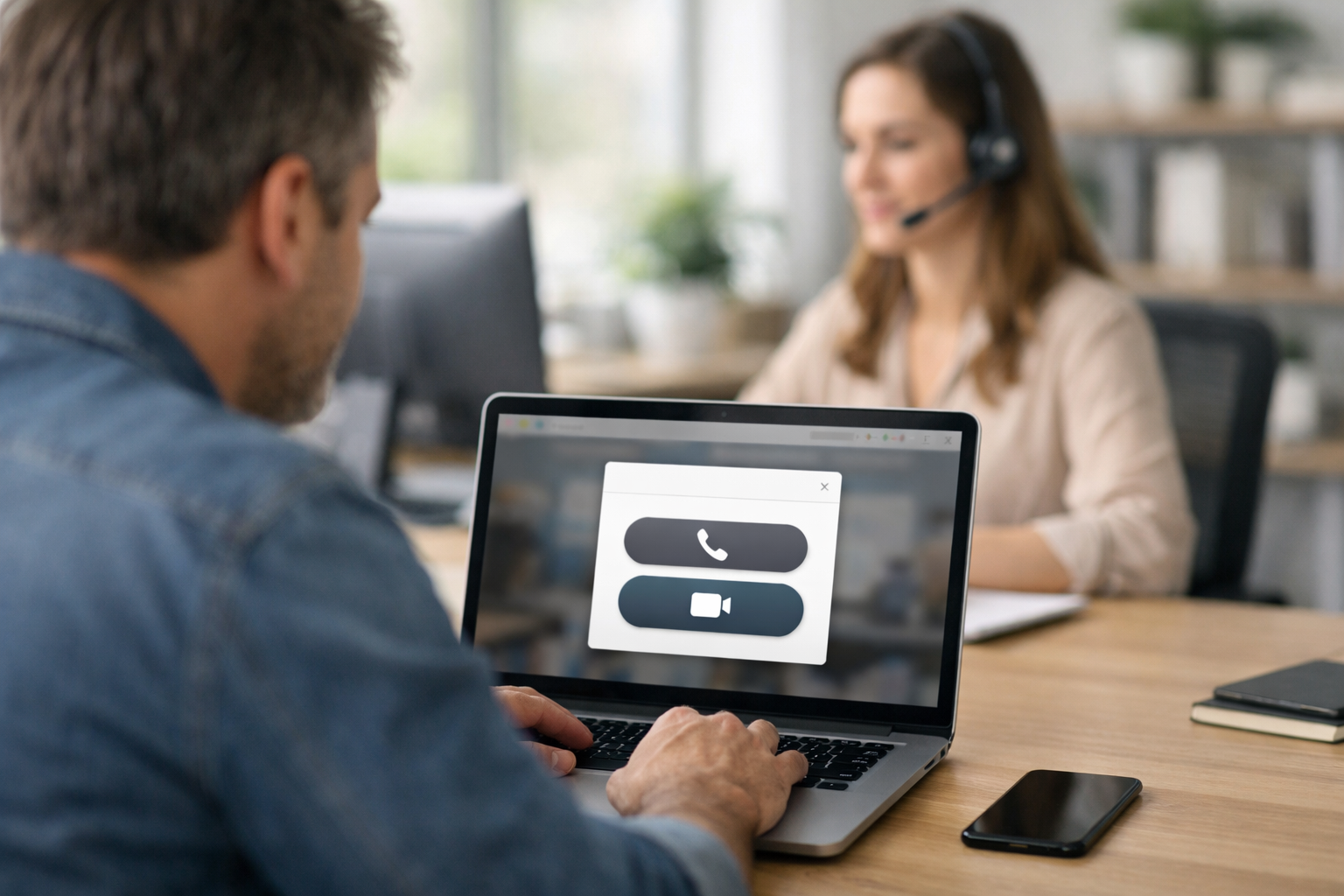
One click call from website technology removes the biggest friction in sales and support: making customers work to reach you. Instead of filling out a form, searching for a phone number, or waiting for an email reply, visitors can start a call immediately—right from the page where they have questions. When implemented well, it increases conversions, shortens sales cycles, and reduces abandonment.
A one click call from website feature lets a visitor initiate a phone or internet-based call by clicking a button on your site. The button can appear as:
The goal is the same: eliminate steps between intent (“I want to talk”) and connection (“I’m speaking to someone who can help”).
There are three common ways one click call from website features are implemented. The best option depends on your audience (mobile vs desktop), your support coverage, and whether you need tracking and lead capture.
This is the simplest approach: a button uses a tel: link (for example, tel:+1XXXXXXXXXX). When a visitor taps on mobile, the phone’s dialer opens with the number pre-filled.
With VoIP, the visitor can start a call directly in the browser using microphone permissions. This often uses WebRTC (the same family of technology used by many video calling tools).
This approach embeds a single gadget on your website that offers multiple channels. Visitors can choose text chat, voice call, or video call depending on urgency and preference. The widget can also capture leads when no agent is available—or route to AI first for immediate answers.
Biz AI Last is designed for this third option: one embeddable gadget that supports live text, audio, and video—backed by dedicated AI trained on your website and real human agents for complex questions. See our AI and human support services.
People click “call” when they’re close to a decision. In many industries—home services, healthcare, legal, B2B consulting, SaaS demos, high-ticket eCommerce—calls signal high intent. The faster you respond, the more likely you are to win the deal.
Every extra step loses prospects. If visitors have to:
many will leave and contact a competitor. One click call from website design turns that moment of interest into immediate action.
Visitors typically call when they hit a pricing detail, a compatibility concern, or a “can you do this?” scenario. If they can call from the exact page they’re reading, you connect at the peak of intent—before doubts grow or tabs multiply.
Instant access to a real person signals accountability. For first-time buyers, especially on higher-priced services, this can be the difference between “I’m not sure” and “I feel comfortable moving forward.”
Support teams benefit too—when calling is implemented with the right guardrails.
Some problems don’t belong in a text-only thread. Voice (or video) reduces back-and-forth, clarifies context quickly, and improves customer satisfaction.
A smart widget can answer common questions instantly with AI (shipping, hours, policies, setup steps) and escalate to a human when needed. That means fewer repetitive calls and a better experience for both customers and agents.
Not everyone wants to type. Offering voice and video alongside chat makes support more inclusive and convenient—especially for mobile visitors or customers who need guidance in real time.
Not all “click-to-call” implementations perform equally. Here are practical criteria that separate a button from a revenue-driving channel.
If your button leads to voicemail half the time, you may lose more trust than you gain. Consider a hybrid model: AI handles routine questions 24/7, while human agents take over for nuanced sales and support conversations.
A quality system should capture contact details and context (page URL, question intent, preferred callback time) if the visitor drops or if agents are busy. This turns “missed calls” into recoverable leads.
Visitors shouldn’t have to guess which department to call. A good widget can present quick choices (sales, support, billing) and route to the right person—or use AI to triage automatically.
To improve conversions, you need visibility: which pages generate calls, which campaigns drive high-quality conversations, and what outcomes those calls produce. Even basic reporting is a big upgrade from an untracked phone number.
The call interface should feel like part of your website, not a random pop-up. Consistent styling and helpful microcopy improve usage and trust.
Biz AI Last offers a single embeddable gadget for websites that unifies:
This means your site visitors can move from browsing to speaking with someone in a frictionless way—without forcing your internal team to be online around the clock.
If you want to see what this looks like in practice, you can book a free demo.
Placement should align with high-intent moments. Common winning locations include:
For most businesses, a persistent omnichannel widget outperforms isolated “Call now” buttons because it supports chat-first, call-when-needed behavior—especially on desktop.
A one-click call feature can be nearly free (simple tap-to-call) or a fully managed omnichannel program with AI, live agents, and lead capture. The right choice depends on how valuable each conversion is and how often customers need real-time help.
If one new customer covers a month of support, a staffed call option quickly pays for itself—because it saves lost deals and improves customer retention. Biz AI Last plans start at $300/month for lead capture and customer support with AI + human coverage. You can view our pricing to compare options.
No. Tap-to-call is mobile-native, but web calling (VoIP) and omnichannel widgets enable voice (and video) from desktop browsers too.
Usually it improves overall contact rates. Many visitors still choose chat for quick questions, while high-intent users choose voice. Offering both increases the chance they reach you in the way they prefer.
Not necessarily. A hybrid approach—AI for instant answers plus live agents for escalations—can deliver 24/7 responsiveness without building an internal call center.
One click call from website capabilities matter because they match user intent with immediate access. When visitors can speak to someone at the exact moment they’re deciding, you reduce friction, build trust, and capture more revenue—while also improving support outcomes.
If you want a single website gadget that combines 24/7 AI trained on your site with real human agents for text, audio, and video, explore our AI and human support services or book a free demo to see it live.
Join businesses using Biz AI Last to capture more leads and deliver exceptional support around the clock.
See How Biz AI Last Works