Loading
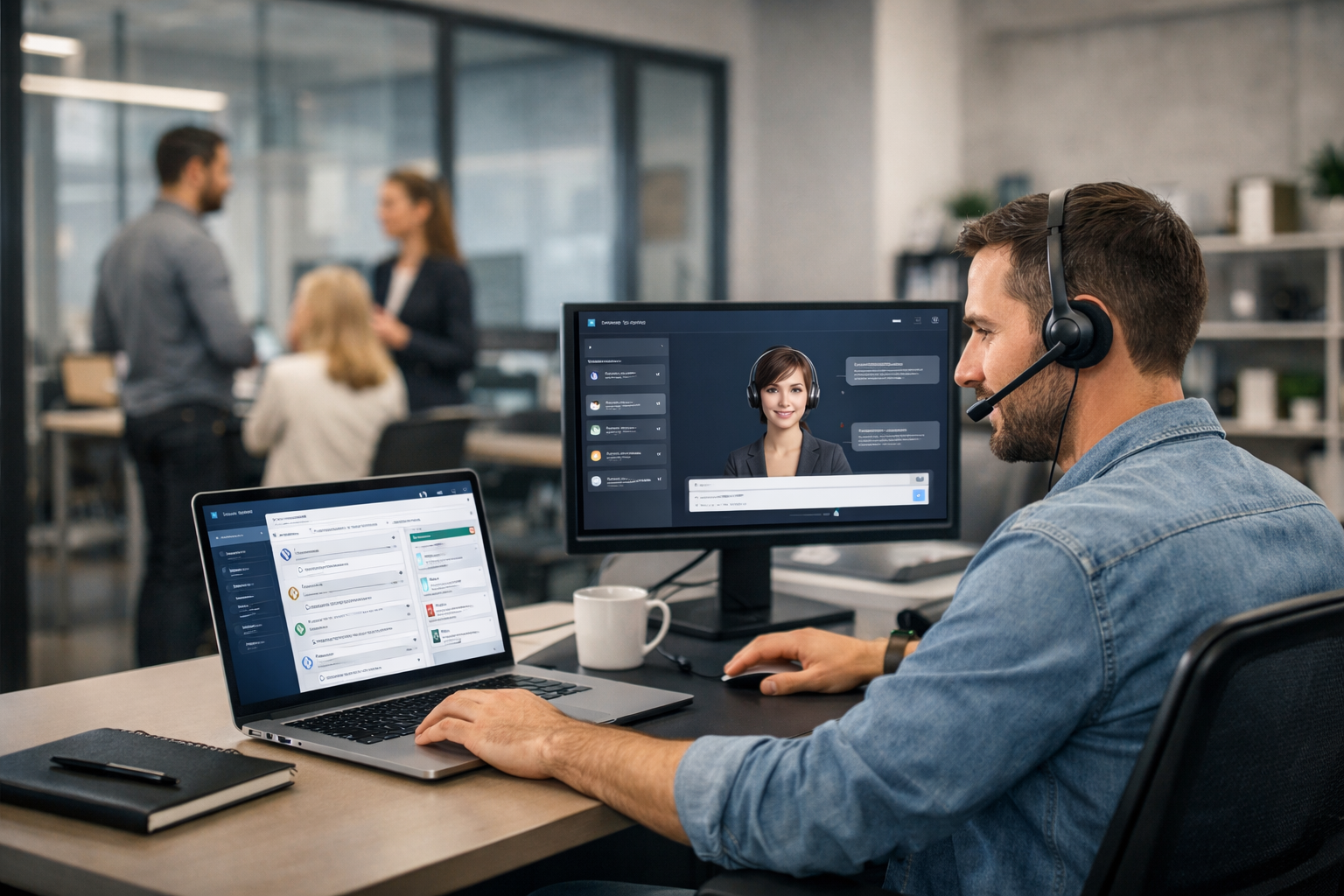
Proactive chat works when it shows up at the exact moment a visitor is most likely to need help—before they bounce, abandon a cart, or give up comparing options. The fastest path to “30% more conversions” isn’t blasting everyone with a pop-up; it’s using intent-based triggers that feel like concierge support and smoothly hand off from AI to a human when needed.
Proactive chat triggers are rules that launch a chat invitation based on behavior or context—like time on page, exit intent, cart value, returning visits, or scrolling past key sections. Done right, proactive chat increases conversions by removing friction at decision points:
Biz AI Last supports this with a single embeddable gadget for text, voice, and video—powered by dedicated AI trained on your website and backed by real human agents 24/7. Learn more about our AI and human support services.
Below are the highest-impact triggers used across lead gen, SaaS, eCommerce, and service businesses. You don’t need all of them—start with 3–5 based on your funnel.
When to fire: Visitor lands on pricing/plans, checkout, or “Get a quote” pages, or returns to them twice in a session.
Why it converts: These pages attract bottom-of-funnel visitors who are deciding “yes/no” right now.
Message template: “Want help picking the best option? Tell me your goal and I’ll recommend the right plan.”
Routing tip: If they mention budget, timeline, integration, or “talk to sales,” escalate to a live agent.
When to fire: At 50–70% scroll on product, service, or comparison pages.
Why it converts: Scrolling signals engagement. Inviting help after they’ve learned the basics feels supportive, not intrusive.
Message template: “If you tell me what you’re trying to achieve, I can point you to the best section—or answer questions live.”
When to fire: Cursor moves toward the browser controls (desktop) or rapid upward scroll/back navigation behavior (mobile).
Why it converts: It catches abandonment moments without interrupting people who are still exploring.
Message template: “Before you go—what stopped you from moving forward? I can help in 30 seconds.”
Lead capture: Offer a concise fallback: “Want me to email the exact info you need?”
When to fire: In cart/checkout for 45–90 seconds with no progress, or repeated changes in quantity/shipping fields.
Why it converts: Hesitation is usually shipping cost, delivery time, returns, or payment friction—easy to resolve in chat.
Message template: “Need help checking out? I can confirm delivery dates, returns, or apply the right discount if you qualify.”
When to fire: Visitor returns within 7–30 days (cookie-based) to product, pricing, or case study pages.
Why it converts: Returning visitors are closer to decision; they often need a final detail or reassurance.
Message template: “Welcome back—want a quick recommendation based on what you’re comparing?”
When to fire: Traffic arrives from specific UTMs (e.g., paid search for “pricing,” LinkedIn campaign, or partner page).
Why it converts: You can match the chat opener to the promise of the ad and reduce mismatch drop-off.
Message template: “Thanks for coming from our [campaign]. What are you hoping to solve—support coverage, lead capture, or both?”
When to fire: User starts a form, then pauses 15–30 seconds, switches tabs, or attempts to leave.
Why it converts: Many forms fail due to uncertainty (what happens next, required fields, time). Chat can rescue the conversion.
Message template: “Want to skip the form? Tell me what you need and I’ll connect you with the right person.”
When to fire: Visitor reads refund/returns, privacy, security, or integration documentation for 30–60 seconds.
Why it converts: These pages often signal risk evaluation. Addressing risk can unlock the purchase.
Message template: “Quick question—are you checking returns, security, or setup? I can clarify the key details.”
When to fire: Visitor matches target criteria (e.g., specific regions, business hours, or known company size via enrichment/CRM rules if available).
Why it converts: Not every visitor deserves the same level of attention. Prioritize humans for the highest-value prospects.
Message template: “If you share your team size and goal, I can recommend the fastest setup and connect you with an agent.”
When to fire: Multiple clicks in the same area, repeated filter toggles, or error states (coupon invalid, payment issue).
Why it converts: This is real frustration—fast help prevents bounces and negative brand experiences.
Message template: “Looks like something isn’t working as expected—want me to help fix it right now?”
Biz AI Last is built for this hybrid approach: AI answers instantly using your website content, and human agents can jump into text, voice, or video when the moment matters. If you’re comparing options, view our pricing (plans start from $300/month).
Use these three frameworks to write prompts that feel helpful and drive action:
Keep prompts short, specific, and aligned to the visitor’s stage of awareness.
Set up tracking before you change anything. At minimum, measure:
Testing tip: run A/B tests by showing triggers to a portion of traffic (or alternating weeks) and compare conversion rate, revenue per visitor, and lead quality—not just chat volume.
Proactive triggers increase conversations; the hybrid model increases outcomes. AI is ideal for instant, accurate answers (hours, policies, features, eligibility). Humans are ideal for nuance: negotiations, edge cases, demos, and reassurance. Biz AI Last combines both in one gadget so visitors can start with quick text chat and escalate to voice or video when the deal is on the line.
If you want help choosing the best triggers for your site and setting up a conversion-focused workflow, book a free demo.
If you’re implementing this week, start here:
These three alone often deliver measurable lift quickly, and you can add advanced triggers (returning visitor, cart hesitation, rage clicks) once the basics are stable.
Proactive chat triggers that increase conversions by 30 percent are less about flashy pop-ups and more about timing, relevance, and fast resolution. Choose triggers tied to intent, write page-specific prompts, and combine AI speed with human expertise for the moments that decide the sale. With Biz AI Last, you can cover support and lead capture 24/7—across text, voice, and video—from a single embeddable gadget.
Join businesses using Biz AI Last to capture more leads and deliver exceptional support around the clock.
See How Biz AI Last Works