Loading
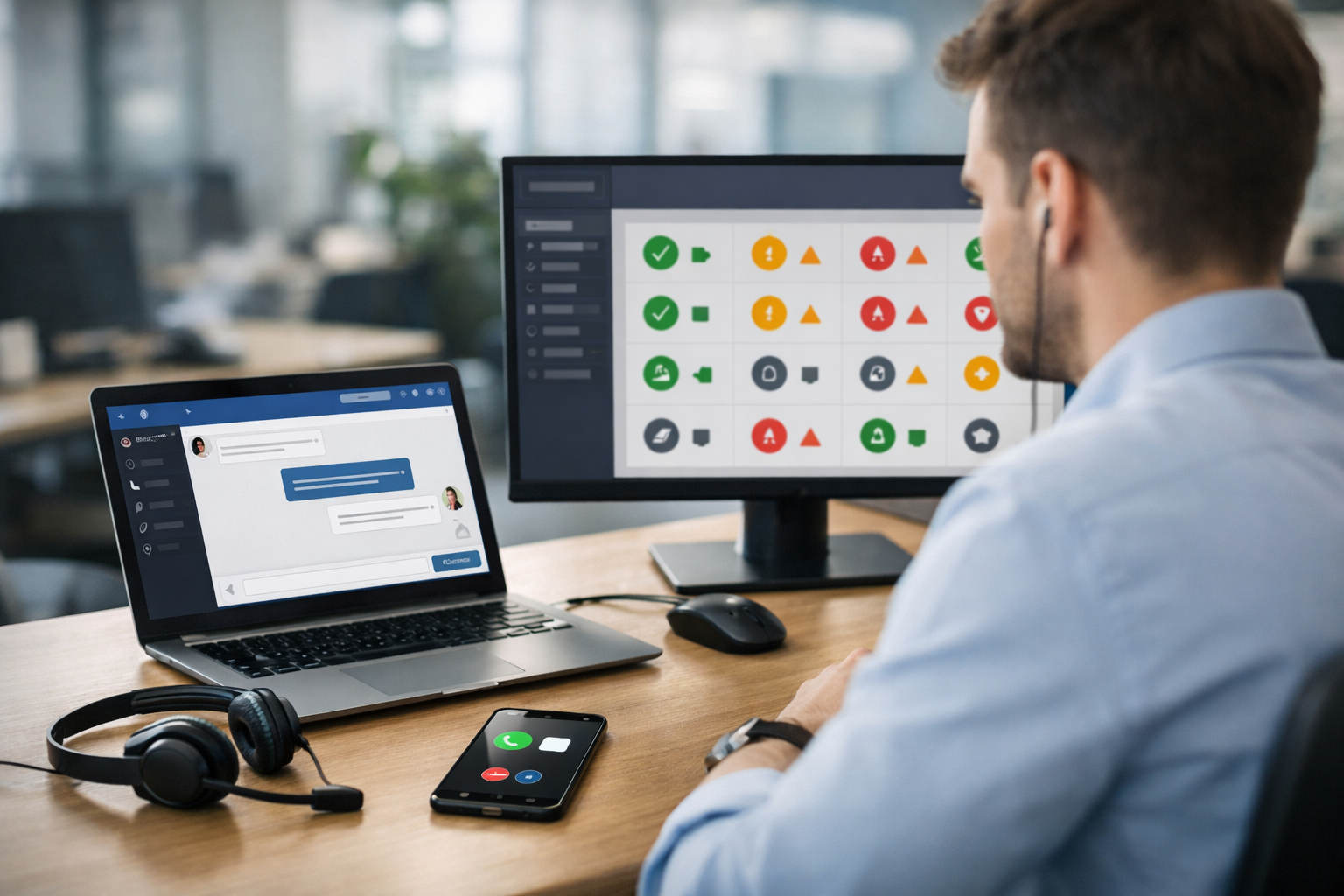
AI chatbots are great at answering fast, but speed alone doesn’t guarantee a great customer experience—or a qualified lead. The real advantage comes from knowing when to escalate from AI chatbot to a live human agent so customers get empathy, judgment, and accountability the moment it matters.
Most support and sales conversations follow a predictable pattern: quick questions, then a decision point. AI excels at the quick questions—hours, pricing ranges, basic policies, product comparisons, and troubleshooting steps. But the decision point often includes nuance: urgency, risk, money, emotions, or a complex scenario.
If you don’t define escalation triggers, one of two things happens:
A hybrid approach—AI first, human when needed—delivers the best of both worlds. Biz AI Last combines a website-trained AI chatbot with 24/7 live human agents for text, audio, and video inside one embeddable gadget. You can learn more about our AI and human support services.
Use these triggers as a practical checklist. The more of these signals appear, the more urgent the handoff becomes.
AI can be polite, but it’s not accountable in the way a person is. Escalate immediately when you detect anger, anxiety, disappointment, or sarcasm—especially if the customer indicates they’ve tried multiple times.
Goal: preserve trust. A human can apologize appropriately, confirm ownership, and make judgment calls.
Whenever money or legal exposure is involved, the risk of a wrong answer increases. Escalate when the customer asks about:
Why it matters: one incorrect statement can create churn or compliance risk. Humans can verify identity, confirm policy exceptions, and document the outcome.
A well-designed system should know when it doesn’t know. Escalate if the AI can’t confidently answer based on your website and knowledge base, or if the request clearly extends beyond standard content.
Best practice: don’t guess. Offer a human handoff with context so the customer doesn’t have to start over.
If someone asks for a human, honor it quickly. Forcing the bot to continue increases abandonment and frustration. Offer a clear path to live support and confirm whether they prefer text, voice, or video.
Biz AI Last supports live human agents across all three channels in a single widget, making this handoff seamless. If you want to see how it looks on your site, book a free demo.
AI is great at simple troubleshooting flows. Escalate when diagnosis becomes ambiguous or the customer’s environment is unique (device constraints, integrations, permissions, legacy systems).
Rule of thumb: if the solution requires interpreting logs/screenshots or deciding between multiple plausible causes, move to a human.
AI can qualify leads, but humans close deals. Escalate when the visitor shows buying intent or needs a tailored recommendation.
Outcome: higher conversion rates, better lead capture, and fewer missed opportunities.
Any time a conversation involves personal data, account access, or verification steps, escalation (or secure workflow) is safer. Even if your AI is trained on your site, verifying identity and handling sensitive info should follow strict procedures.
Tip: set the bot to collect only minimal necessary info and route to a human for verification and resolution.
If the bot asks the same question twice, or the customer keeps rephrasing without progress, escalate. This is a strong signal that the user’s intent isn’t being understood.
Why: repetitive loops feel disrespectful and waste time. A human can clarify quickly.
To operationalize escalation, use a simple decision model based on risk and revenue opportunity.
The handoff experience is as important as the trigger. The goal is continuity.
Biz AI Last is designed for exactly this: one embeddable gadget that starts with an AI chatbot trained on your website, then hands off to real agents for text, audio, or video—24/7. If you’re comparing options, view our pricing (plans from $300/month).
Bot handles: policy summary, refund eligibility basics, collects order ID.
Escalate when: customer disputes charges or requests an exception.
Human resolves: confirms details, issues refund/credit, documents decision.
Bot handles: gathers requirements (users, timeline, must-have features).
Escalate when: “We need a custom plan” or “Can you jump on a call?”
Human closes: clarifies scope, schedules demo, moves deal forward.
Bot handles: basic troubleshooting steps and documentation links.
Escalate when: steps fail twice or issue involves credentials/logs.
Human diagnoses: asks targeted questions, provides specific fix, reduces time-to-resolution.
Once you define escalation rules, measure performance so you can adjust thresholds and scripts.
The best support experiences feel effortless: customers get instant answers, and when complexity shows up, a real person steps in with context. That’s the core of knowing when to escalate from AI chatbot to a live human agent—and it’s how you protect retention while increasing conversions.
If you want a single on-site gadget that combines a website-trained AI chatbot with real human agents for text, audio, and video (plus lead capture), explore our AI and human support services or book a free demo to see it working on your site.
Join businesses using Biz AI Last to capture more leads and deliver exceptional support around the clock.
See How Biz AI Last Works